Workflow LibraryLevels, Walls & Floors
Add Levels in Revit for Mass Floors
Levels added specifically to drive mass floors.
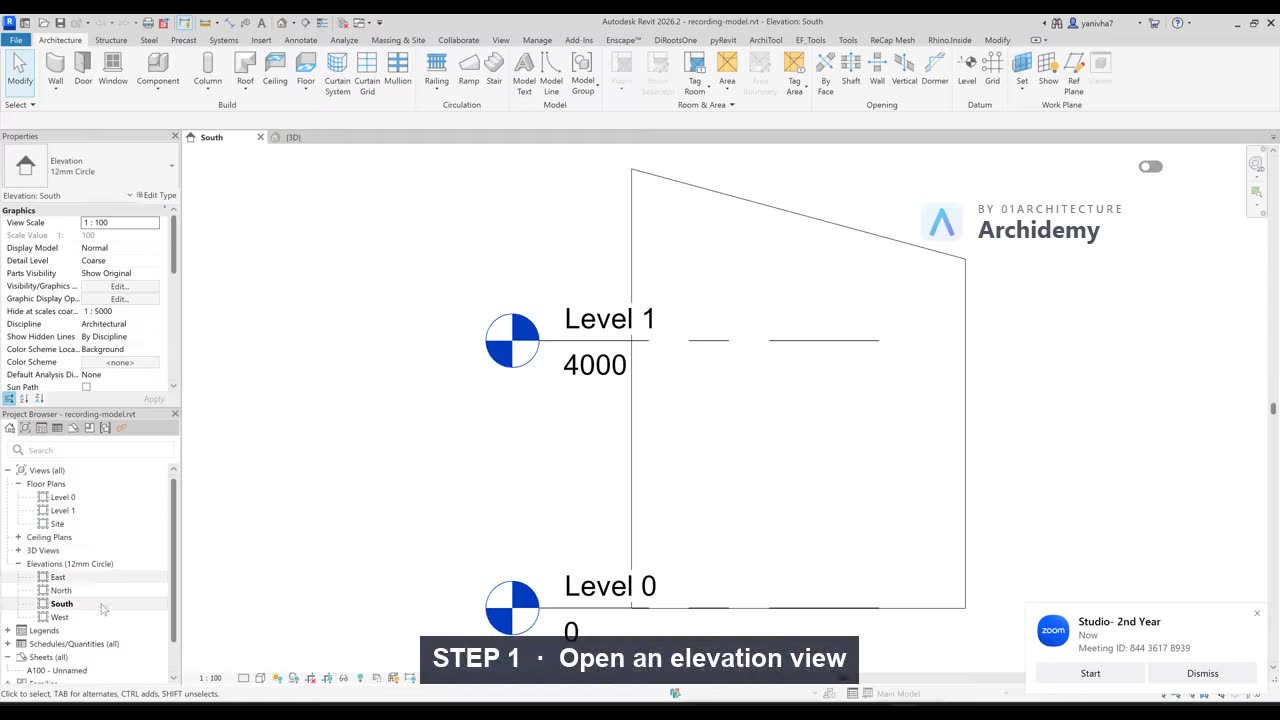
The recorded clip is for signed-in members. The written steps are below.
Sign in to watch- Open an elevation view.
- Copy existing Level lines.
- Set floor-to-floor height consistently.
Tip
Name levels clearly—Revit uses these names throughout schedules and tags.
Taught in
- Studio · 2023 — original class recording lives there.
Was this lesson helpful?