Workflow LibraryView Control & Graphics
Visibility & Graphics Settings for Clean Diagrams
V/G settings tuned for clean diagram views.
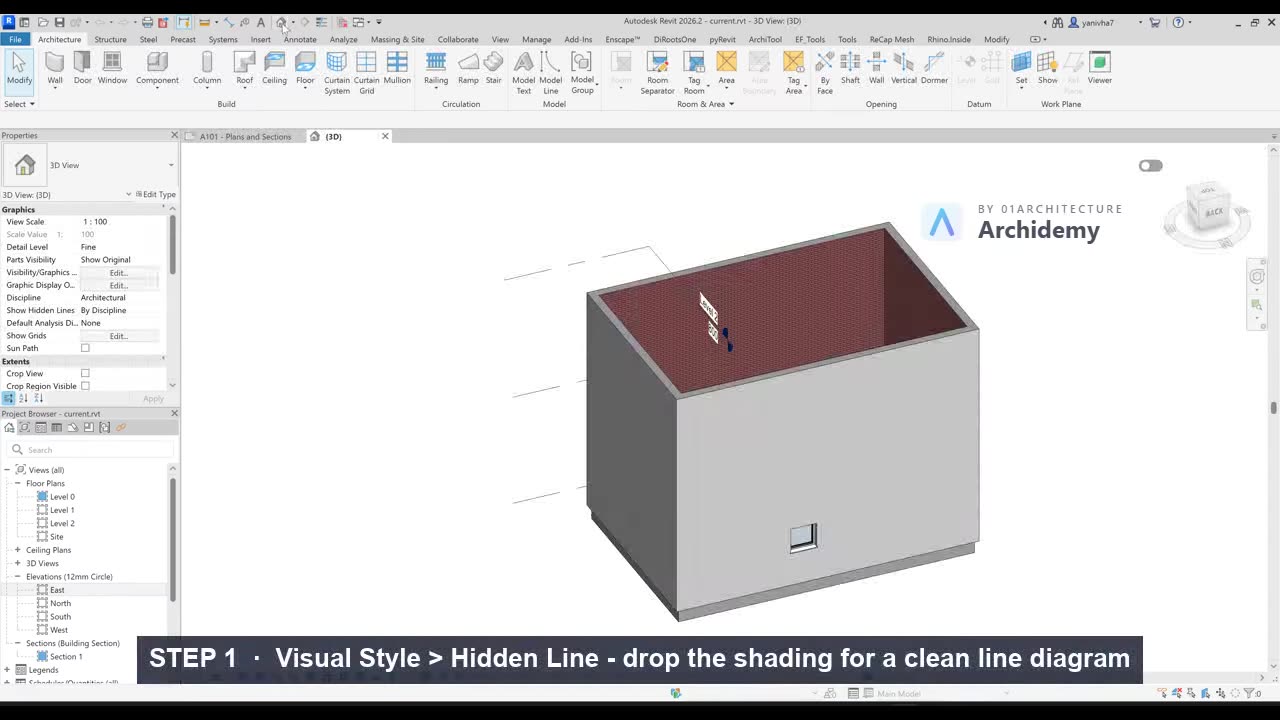
The recorded clip is for signed-in members. The written steps are below.
Sign in to watch- Set Visual Style to Hidden Line.
- Enable Shadows, disable Ambient Shadows.
- Override categories in VV.
- Enable Silhouette Edges if needed.
Note
Strong silhouettes visually differentiate forms without heavy lineweights.
Taught in
- Studio · 2023 — original class recording lives there.
Was this lesson helpful?