Workflow LibraryGroups, Schedules, Rooms & Areas
Rooms & Area Calculation
Room boundaries and area calculation that stand up to checking.
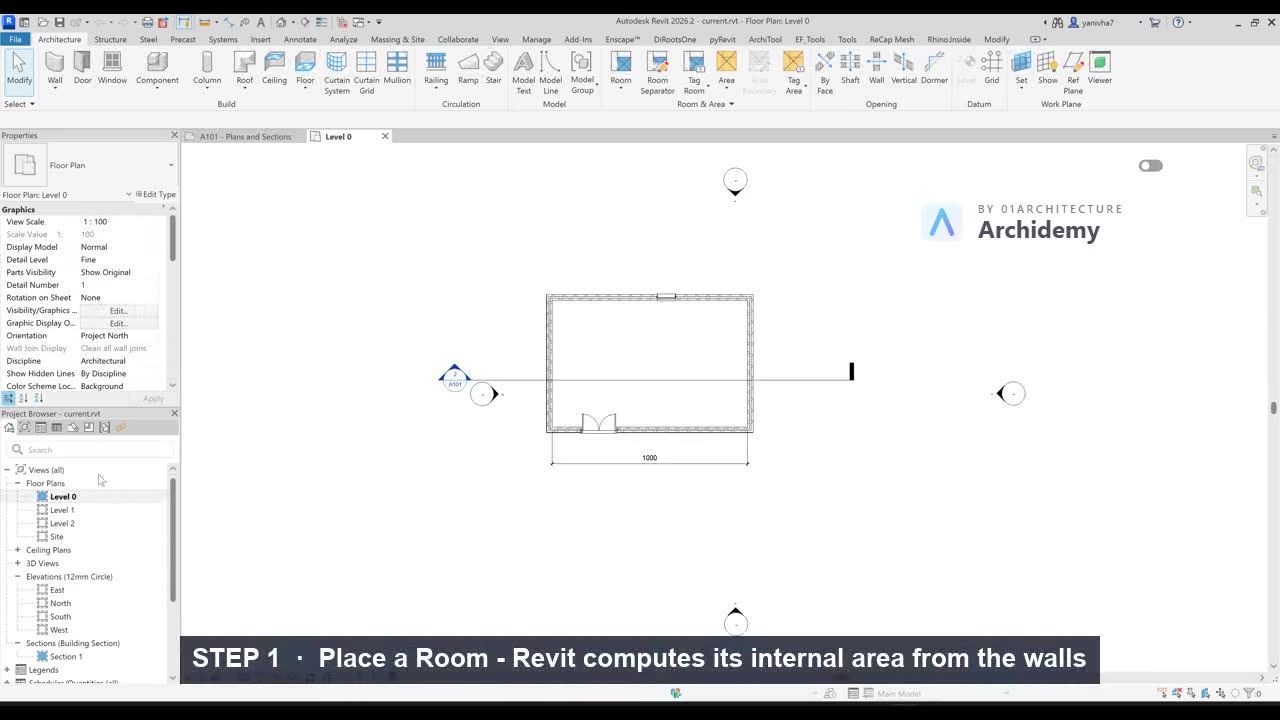
The recorded clip is for signed-in members. The written steps are below.
Sign in to watch- Use Room for accurate internal areas.
- If Room fails:
- Check if boundaries are fully closed.
- Use Room Separator lines to define areas without walls.
- Control room boundaries:
- Disable Room Bounding on specific walls if needed.
- Display area:
- Select Room Tag → enable Area.
- Areas update dynamically when geometry changes.
Taught in
- Studio · 2023 — original class recording lives there.
Was this lesson helpful?
Build a Door Schedule That Fills Itself In
A live door schedule — Mark, Type, Width, Height, Level — sorted by level and placed on your sheet.
Measure Gross and Rentable Areas with Area Plans
Dedicated area plans with boundary lines, area tags, and a schedule that totals gross and rentable m² per level.