Workflow LibraryDiagrams & Axonometrics
Setting Sun, Shadows and Ambient Light
Sun, shadows and ambient light staged for diagram views.
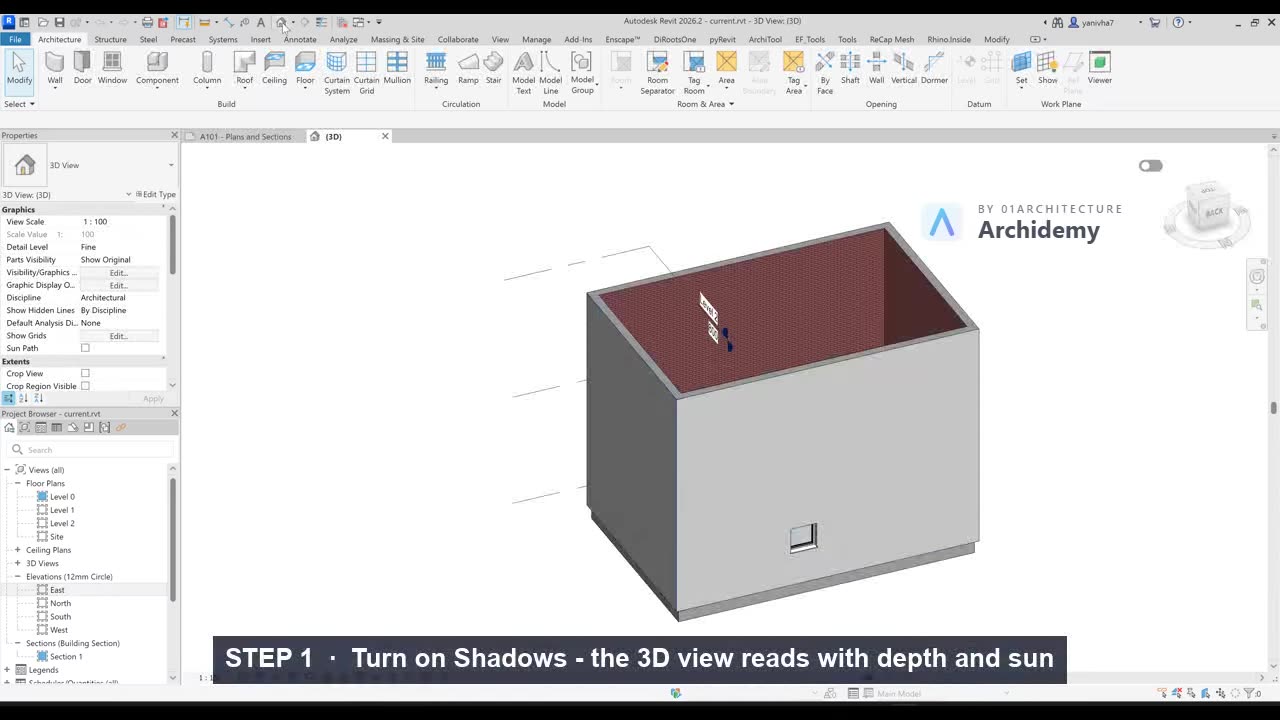
The recorded clip is for signed-in members. The written steps are below.
Sign in to watch- Open Graphic Display Options → Lighting/Shadows.
- Enable Cast Shadows, disable Ambient Shadows for clarity.
- Open Sun Settings:
- Choose Single Day or Solar Study.
- Set Location, Date, and Time.
- Adjust shadows until façade + section read well.
- Lower Shadow Intensity (8–20%) for subtle, professional diagrams.
Note:
Sun settings are unique per view.
Taught in
- BIM + Computational Workflow · 2023 — original class recording lives there.
Was this lesson helpful?