Free
$0
forever, for learning and personal work
- Every export format
- Nothing to install
Select doors or windows in Revit and generate each opening's elevation, jamb section, plan callout and schedule row, dimensioned and laid out on a titleblock sheet.
Free to try, no account for the preview. First result under 1 min per sheet. Needs the Revit add-in.
Inside Revit
An add-in, not a browser tool: it draws the openings you select in the model you have open.
A full opening sheet
Elevation, jamb section, plan callout and schedule row, together.
Batch a whole set
Select several openings and fill a sheet in one pass.
Consistent across openings
Every sheet is laid out the same way, so a set reads as one.
Revit add-in
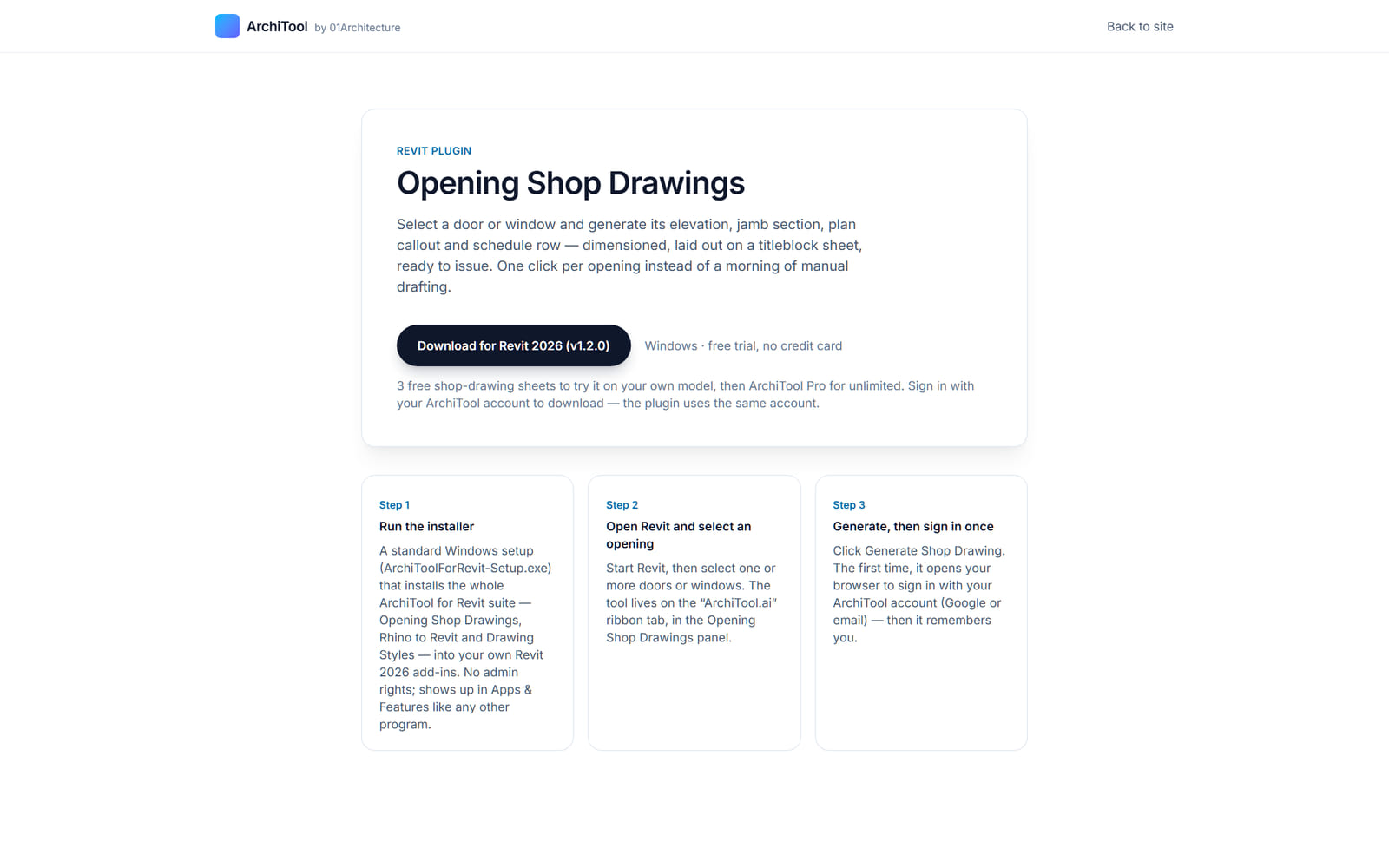
Install the ArchiTool for Revit suite once, then select one or more doors or windows and generate each opening's sheet. The add-in composes the views and the schedule row on your titleblock.
The first run opens your browser to sign in, and after that the add-in remembers you. Each generated sheet carries the elevation, jamb section, plan callout and schedule row for that opening.
Generated from your model
The drawing comes from the opening you select
Dimensioned and laid out
On your titleblock sheet
Several at once
Fill a sheet in one pass
Plans
Explore and build for free. Pay when the work goes to a client.
Free
$0
forever, for learning and personal work
Pro
$29
per month, or $290 a year
Education
Free
with a verified academic email
Limits shown are the live ones for this tool. Free and Education are for learning and personal exploration; client and commercial work needs Pro. See the terms. Want the method and its limits? Read the tutorial.
FAQ
Everything about data, formats and plans. Still curious? The tutorial goes deeper, and the Report button inside the tool reaches us.
It needs the ArchiTool for Revit add-in installed and a supported Revit version, with the doors or windows already placed in the model.
No. It is a Revit add-in; you select the openings and generate the sheet inside Revit.
It downloads no separate file. Each selected opening arrives as a dimensioned sheet inside Revit, with an elevation, jamb section, plan callout and schedule row.
Each opening gets an elevation, a jamb section, a plan callout and a schedule row, dimensioned and laid out on a titleblock sheet.
Yes. Select several doors or windows and generate them together to fill a sheet in one pass.
It adds the generated sheets and views; the doors and windows themselves are not edited.
A dimensioned door or window sheet from Revit, one click per opening.